Low friction use
Visit architect.networkcanvas.com or interviewer.networkcanvas.com on any device, at any time — and use the tools without installing anything.
A leap forward in designing, running, and managing Network Canvas interviews. This page covers what's changing, what's new, and what it means for your work.
We have redesigned Architect and Interviewer as websites that can also be installed as Progressive Web AppsProgressive Web Apps are specially crafted websites that can be installed on your device and provide a native app-like experience. This means they have an icon you can click to open them, they have their own storage, and they work offline. on your device. Together with Fresco 4.0.0, they form a unified, modern platform built on a shared technical foundation — and all three support a new protocol file format, Schema 8.
Visit architect.networkcanvas.com or interviewer.networkcanvas.com on any device, at any time — and use the tools without installing anything.
Install either tool as an app directly from the browser. It works like a typical app on your device, while you remain in control of your data locally.
The new apps are automatically kept up-to-date with the latest features and fixes, so you can focus on your research rather than managing software versions.
The new Interviewer app once again runs on tablet devices (iPad and Android) after several years of no availability due to app store restrictions.
 Protocol design
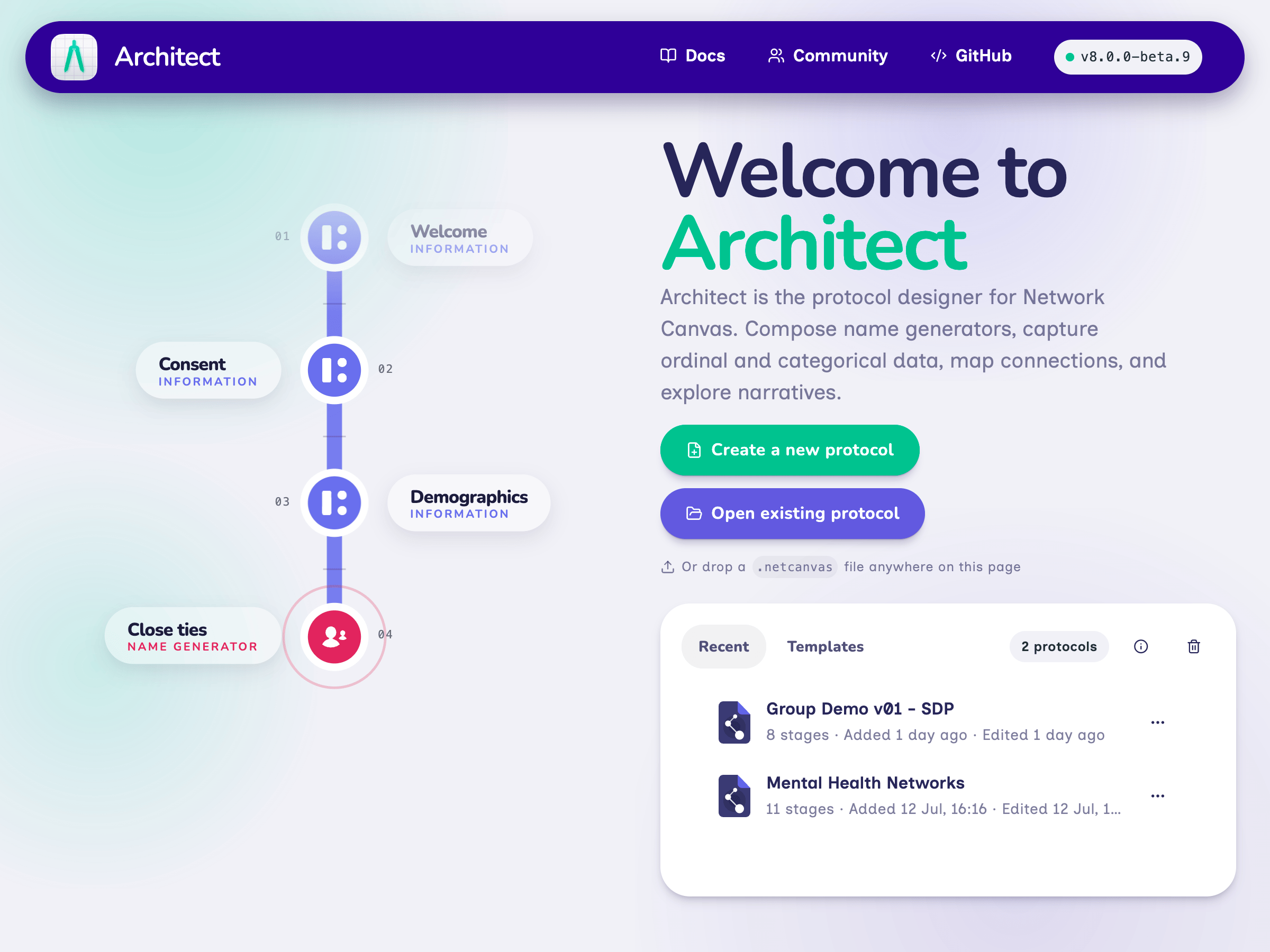
There is nothing to install — just open architect.networkcanvas.com and start building. Architect always runs the latest version automatically. Once on the website, install it to your computer as a PWAProgressive Web Apps are specially crafted websites that can be installed on your device and provide a native app-like experience. This means they have an icon you can click to open them, they have their own storage, and they work offline. for a native-like experience and local control over your data.
Architect Classic remains available for researchers who need to keep using older versions of Interviewer (e.g. 6.6.0). It is in maintenance mode — bug fixes only — and continues to produce Schema 7 protocols.
 Face-to-face interviews
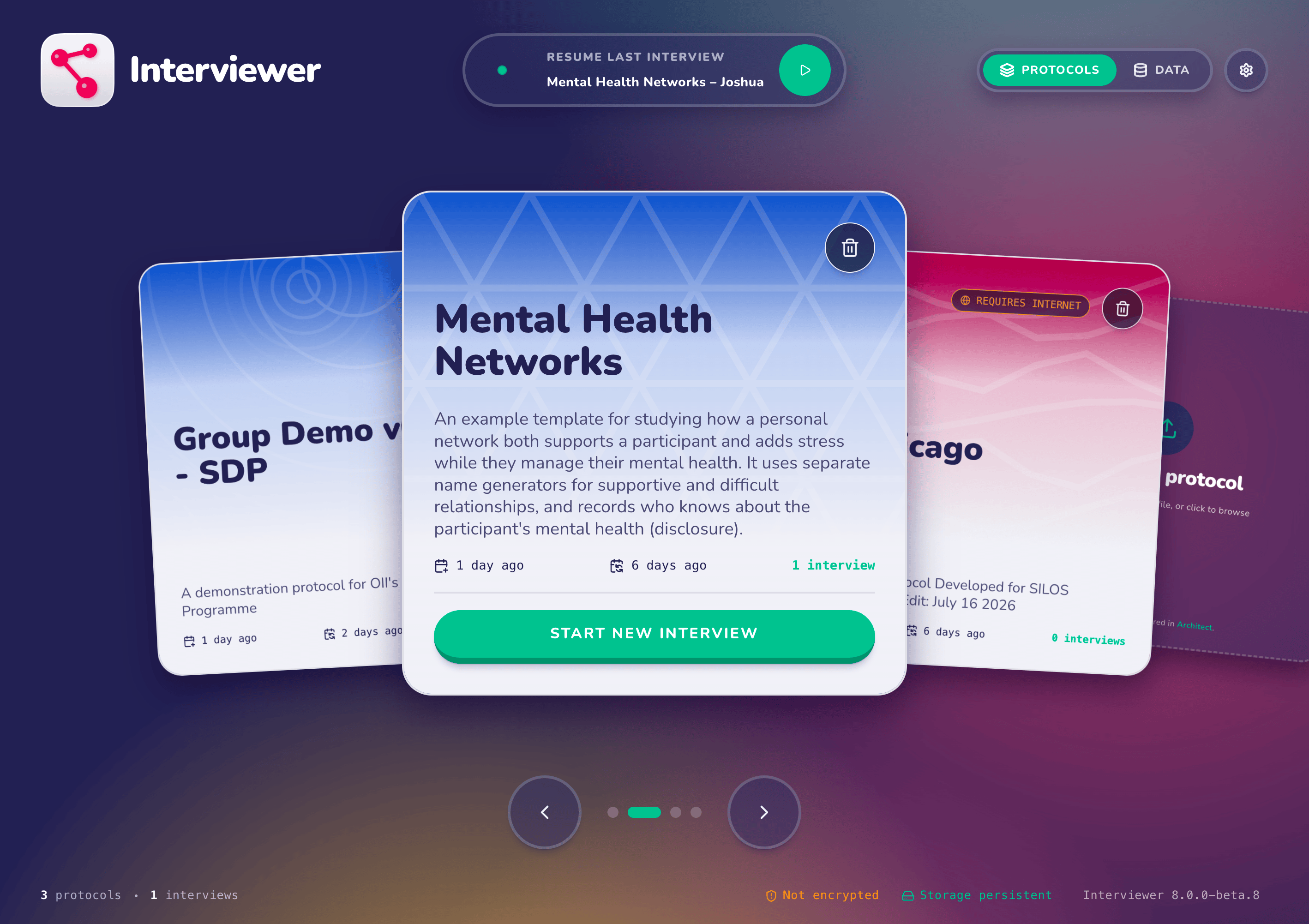
Interviewer has also been redesigned for the browser: upload a protocol at interviewer.networkcanvas.com and deploy without installing anything. Install it as a PWAProgressive Web Apps are specially crafted websites that can be installed on your device and provide a native app-like experience. This means they have an icon you can click to open them, they have their own storage, and they work offline. to support offline workflows — it remains the ideal tool for in-person, interviewer-assisted network studies.
Interviewer Classic remains available for in-progress studies. Like Architect Classic, it is in maintenance mode only, and does not benefit from new features.
 Remote self-administered interviews
The latest version of Fresco is a huge release, bringing several significant new features. Designed to support remote self-administered interviews (but completely compatible with face-to-face interviewing too), Fresco is the suggested choice for studies with large numbers of participants, a large team of researchers, or that require a centralized data management solution.
Users of Fresco 3.x should avoid upgrading in the middle of a study. Fresco 4.0.0 cannot be downgraded to 3.x.
Each team member gets their own account, with two-factor authentication, passkey support, and a full audit log of all actions taken in the system.
Fresco now provides a secure, read-only API for programmatic access to your study data, enabling real-time reporting, dashboards, and analytics.
Fresco can now be installed entirely on your own servers, or hosted in your private cloud, giving you full control over your data.
This new generation of apps introduces a new protocol schema versionProtocol Schemas are the technical specifications that define how protocol files are structured and interpreted by the apps. They ensure that protocols are compatible across different versions of the apps and provide a framework for implementing new features and interfaces., Schema 8, which includes several new interview interfaces and features. If your study requires any of these, you'll need to use the new tools. Choose any card to explore the details.
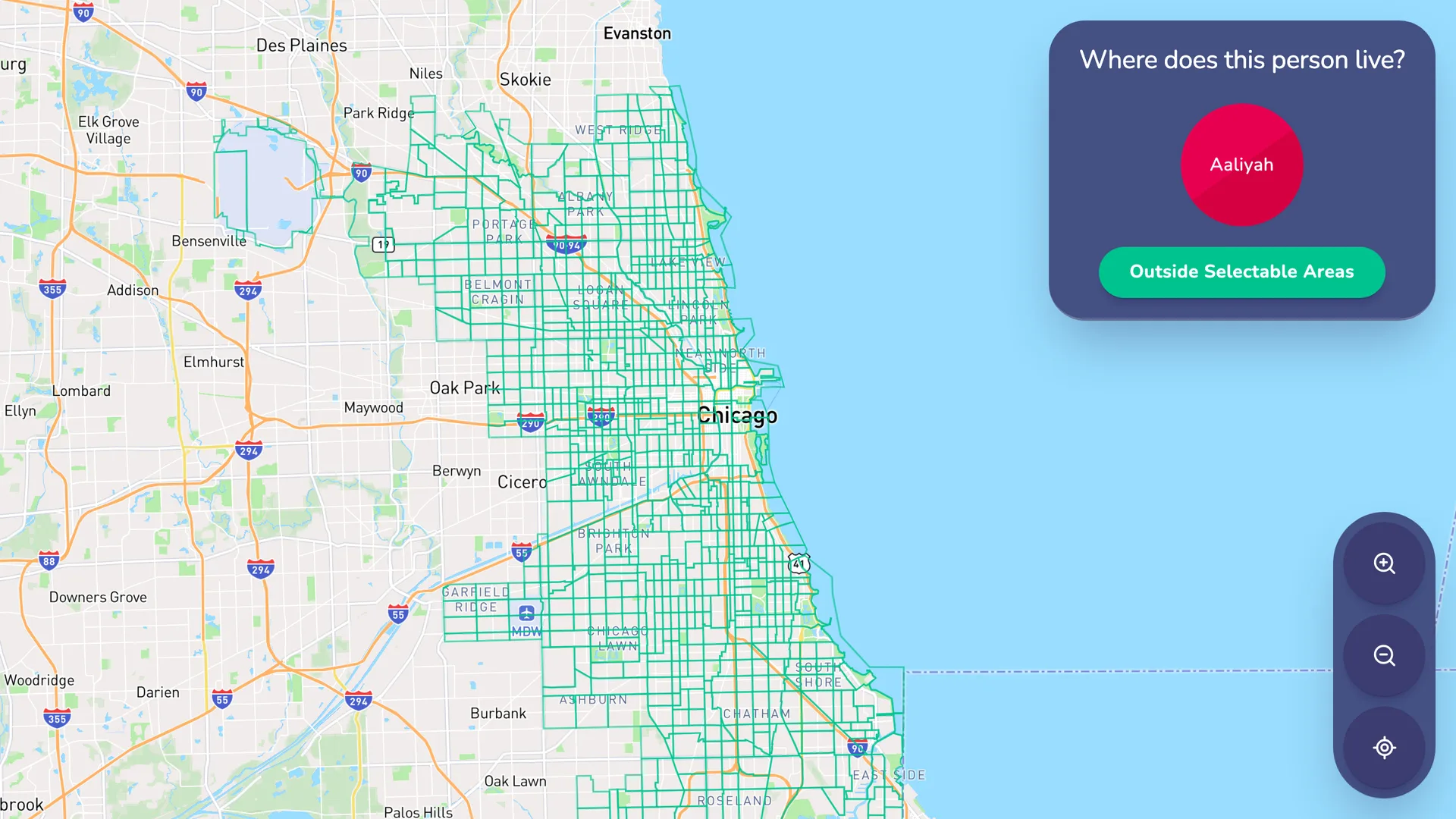
Capture alter-level location data by asking participants to select an area on an interactive map.
Define selectable census tracts, ZIP codes, neighborhoods, or custom study regions with a GeoJSON file.
Choose which GeoJSON property is saved with each person, so the response is ready to join with spatial data during analysis.
Optionally add address search and public-transit context. Mapbox services require an internet connection during the interview.
Protocol schema versionsProtocol Schemas are the technical specifications that define how protocol files are structured and interpreted by the apps. They ensure that protocols are compatible across different versions of the apps and provide a framework for implementing new features and interfaces. determine which apps can open a given protocol file — and the most important change in this release is Schema 8. Below you will find a table that indicates exactly how every app handles both formats. Select a row to see details about what it means in practice.
If you open a Schema 7 protocol in any new-generation app, it will be automatically upgraded to Schema 8. You will not be able to convert it back, or open it in the older apps afterward. This is especially important if you make changes to a protocol in Architect, as it will be upgraded to Schema 8 when you save it.
Keep a copy of your original .netcanvas file if you need to continue running it in Interviewer Classic, Architect Classic, or Fresco 3.x.
For new studies, we recommend the new tools: use Architect to design your protocol, and deploy interviews with Fresco 4.0.0 or Interviewer, depending on your needs.
Interviewer Classic and Architect Classic are still supported and will continue to receive bug fixes. Upgrade at a time that suits your project — just be mindful of the one-way migration when you do.
The apps are not the only part of Network Canvas that has changed. We have also redesigned the project website and reorganized the documentation to make it easier to understand the platform, choose the right tools, and find your next step.
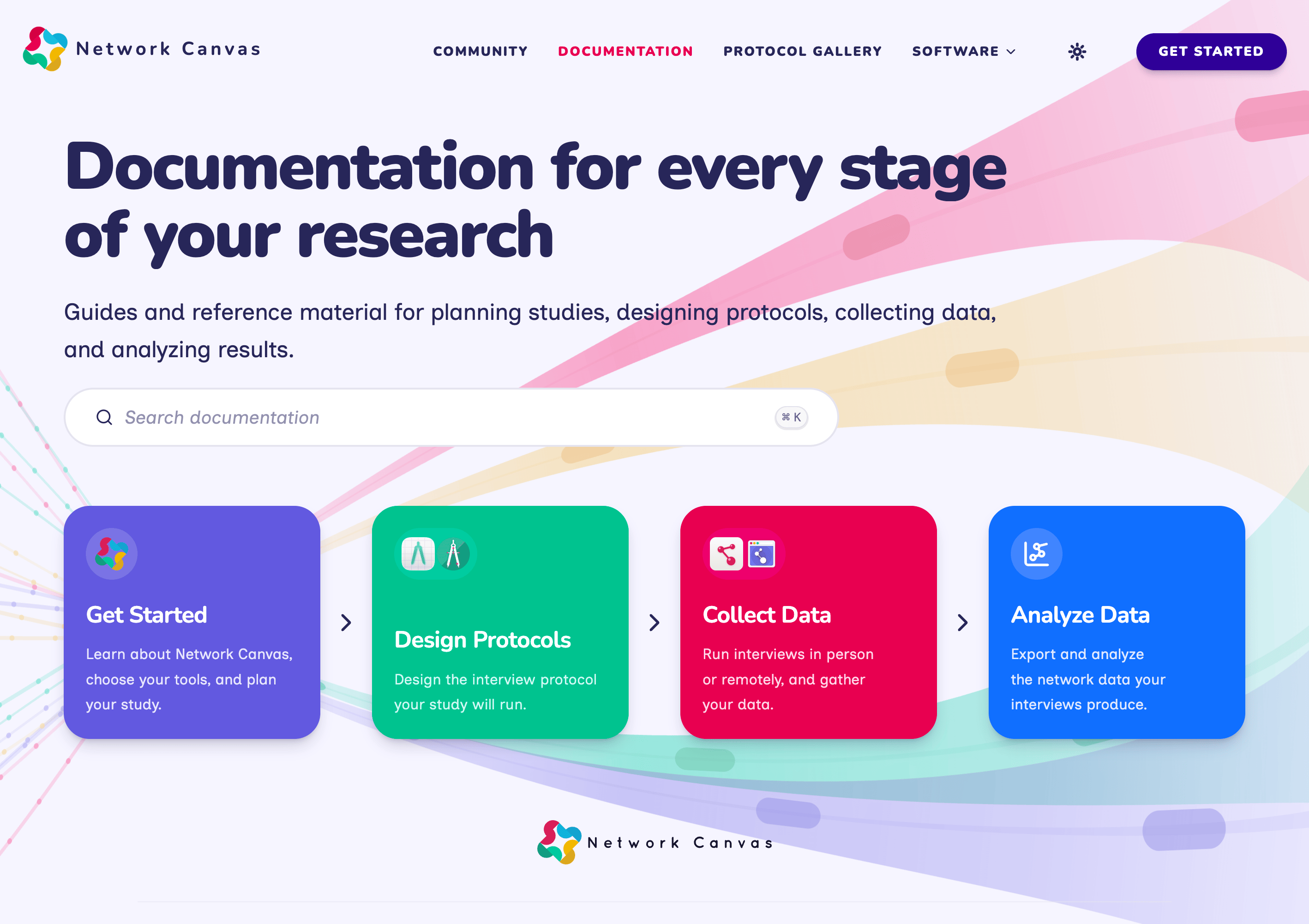
The documentation is now structured around the stage of your research that you are at: getting started, designing protocols, collecting data, and analyzing results. New workflow navigation and refreshed guides make the next step easier to find.
Explore the documentationThe redesigned website introduces a more expressive visual identity and clearer paths through the Network Canvas ecosystem, from learning what the platform can do to choosing the best tools for your study.
Explore the new website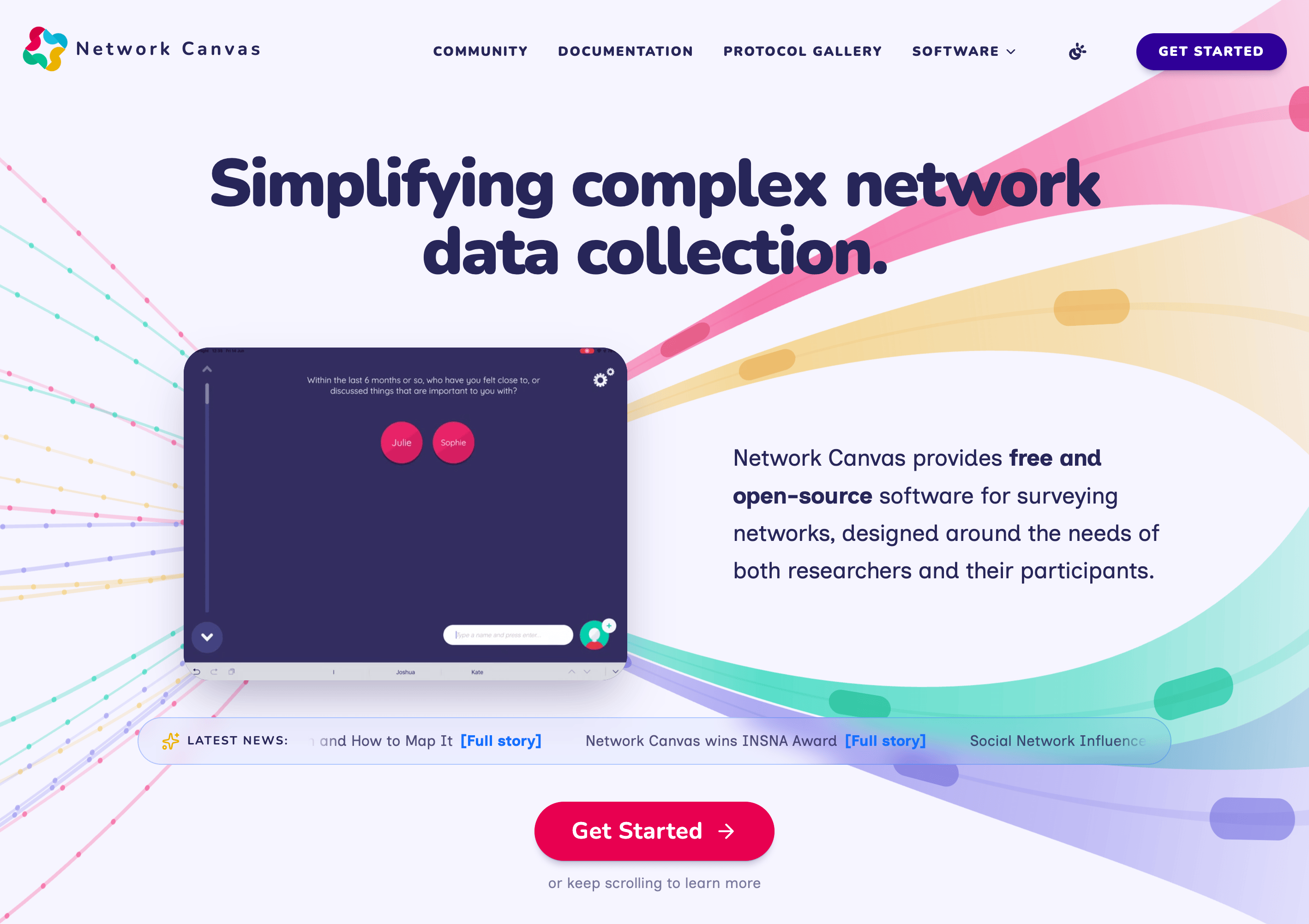
If you have questions or run into issues, the community forum is the best place to reach us and connect with other researchers using the tools. We hope these new tools make a meaningful difference in your research — our team is extremely grateful for feedback from the community, and for the ongoing support that makes this work possible.